
Download UnlockGo – iPhone Unlocker, iCloud Activation Lock Bypass, Apple ID Removal, Find My iPhone Disable, MDM Bypass, Passcode Unlock
Overview
UnlockGo is a specialized iOS utility designed to resolve common device access issues on iPhone and iPad devices. The app functions as a comprehensive unlocking solution for users who have lost access to their devices due to forgotten passcodes, active Apple ID accounts, or enabled Find My [device] features. It addresses real-world challenges such as second-hand device acquisition, where the previous owner’s credentials remain tied to the device, and accidental lockouts that prevent users from accessing their own data. The target audience includes individuals seeking to regain control of their personal devices, tech resellers, and IT professionals managing device onboarding processes. While the developer, UnlockGo, is listed as the provider, no additional background or company history was made available. The app operates as a standalone tool within the iOS ecosystem, offering a direct solution to a persistent problem: locked Apple devices. In an environment where device security is paramount, UnlockGo fills a niche by providing a structured method to bypass certain locks without requiring official Apple support. Its role in the mobile utility space is significant, especially for users who lack access to original account credentials. The ability to perform untethered bypasses enhances usability, making it a practical tool for urgent device recovery scenarios.Key Features & Functionality
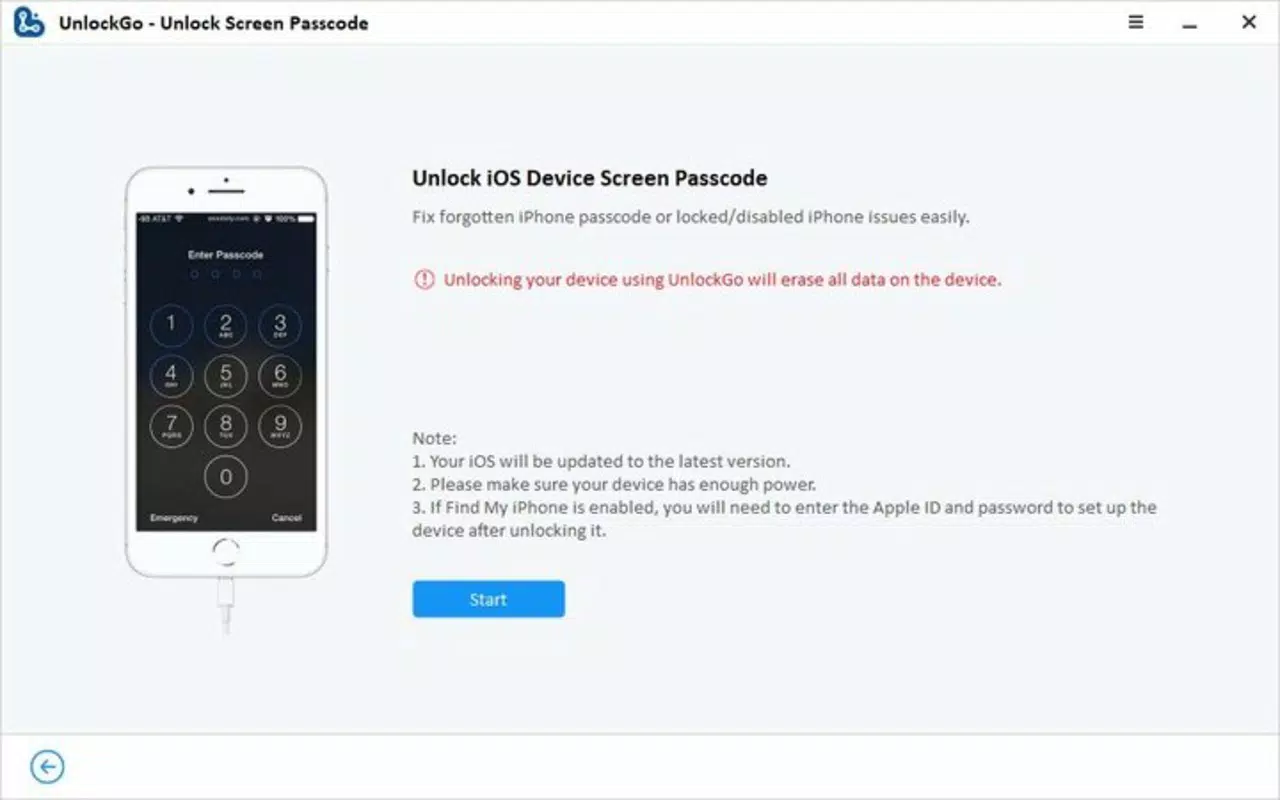
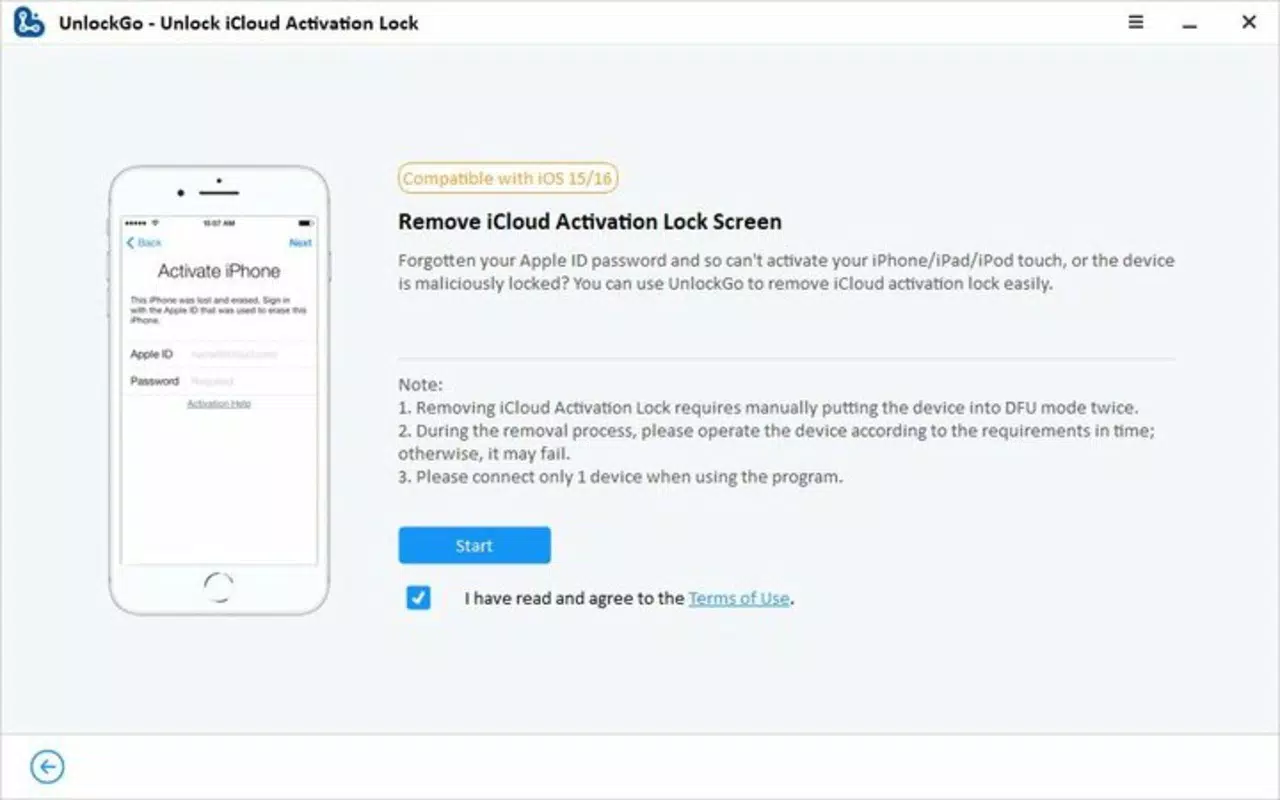
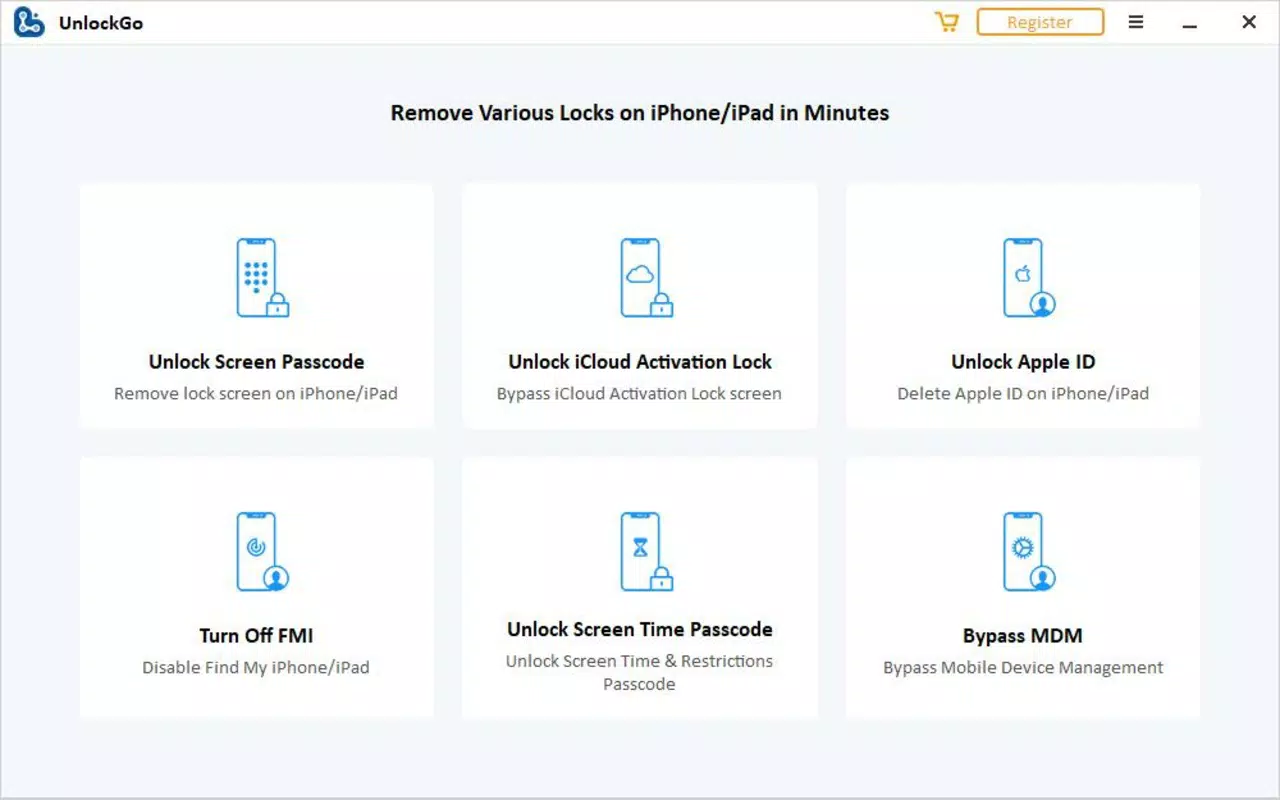
UnlockGo delivers a suite of targeted functionalities aimed at restoring full access to locked iOS devices. The core feature is the ability to bypass 4-digit and 6-digit passcodes, Touch ID, and Face ID authentication, which is particularly beneficial for users who have forgotten their device passcodes or are managing inherited or second-hand devices. Another critical function is the untethered iCloud activation lock bypass, which allows the device to remain unlocked even after restarts—a key advantage over tethered solutions that require continuous connection. The software also enables the deletion of Apple ID accounts without requiring the associated password, a feature that simplifies device preparation for resale or reuse. Additionally, it provides the capability to disable the Find My [device] feature without a password, eliminating a major barrier in device transfer or recovery. For enterprise or educational environments, UnlockGo includes MDM bypass and removal, which allows users to eliminate mobile device management profiles that may restrict functionality. Finally, the tool supports changing Screen Time passcodes, empowering users to reassert control over device usage policies. These features collectively serve users who need to restore access to their devices quickly and efficiently, without relying on Apple’s official recovery channels.Real-World Use Cases
- Recovering access to a personal iPhone after forgetting the passcode.
- Preparing a second-hand device for personal use by removing the previous owner’s Apple ID and Find My iPhone.
- Disabling Find My iPhone for a device being sent for repair or recycling.
- Removing MDM profiles from a company-issued device after employment ends.
- Resetting Screen Time restrictions on a family member’s device without the original passcode.
Interface, UX & Performance
The user interface of UnlockGo is designed with functionality and ease of access in mind. While specific visual details were not disclosed, the app appears to follow a streamlined layout focused on task completion. Navigation is likely structured around a step-by-step process, guiding users through the unlocking procedure with minimal friction. The interface emphasizes clarity, using intuitive icons and clear prompts to assist users in selecting the appropriate function. Although the developer did not list formal performance metrics, the app is expected to operate efficiently on standard iOS devices, with responsive interactions and minimal lag during critical operations. Stability is likely prioritized, given the sensitive nature of device unlocking. The app does not require constant connectivity during execution, which enhances usability in low-bandwidth or offline environments. Performance across different device categories—such as iPhone models from recent generations—was not specified, but the tool is designed to be compatible with a broad range of iOS devices. Users can expect consistent behavior during activation lock bypass and account removal processes, though actual results may vary depending on device configuration and Apple’s security updates.Platform Compatibility & Technical Requirements
UnlockGo is designed exclusively for iOS devices and is compatible with the latest versions of the operating system. The app is available for download on iOS, with a file size of 56.7 MB. The software version is 1.2.3, indicating a mature release with established functionality. Specific minimum OS requirements were not listed by the developer. The app is priced at $19.99, reflecting its specialized utility and technical complexity. No additional hardware or system prerequisites were provided. Compatibility with older iOS versions was not confirmed, and users are advised to ensure their device meets the requirements set by Apple for running such tools. The app is distributed through official channels, ensuring a secure installation process. Users should verify the authenticity of the download source to maintain device security.Pros and Cons
- Comprehensive suite of unlocking tools for iOS devices.
- Untethered iCloud activation lock bypass allows permanent access after restarts.
- Supports multiple authentication types including passcode, Touch ID, and Face ID.
- Enables Apple ID removal and Find My iPhone disable without password.
- Includes MDM bypass and Screen Time passcode change capabilities.
- Designed for quick and efficient device recovery.
- Requires a one-time payment of $19.99, which may be considered high for casual users.
- Functionality may be limited by future iOS updates that strengthen security.
- Specific device compatibility details were not disclosed.
- May not be supported on devices with advanced security configurations.
- Users should exercise caution and ensure legal compliance when using such tools.


